

Important
Helios features are now enabled during weekly update windows and are no longer directly tied to SingleStore engine releases. Refer to the release notes to view the latest features available in your Helios cluster.
Connect with SQL Workbench
Note
When using a third-party SQL client or development tool, you must first add a database user to log into a SingleStore Helios database.
To connect to SingleStore Helios from SQL Workbench:
-
Open SQL Workbench, and then open the Connectors window.
Note: Some users have reported issues connecting with SQL Workbench v8 and have recommended using v6 instead.
-
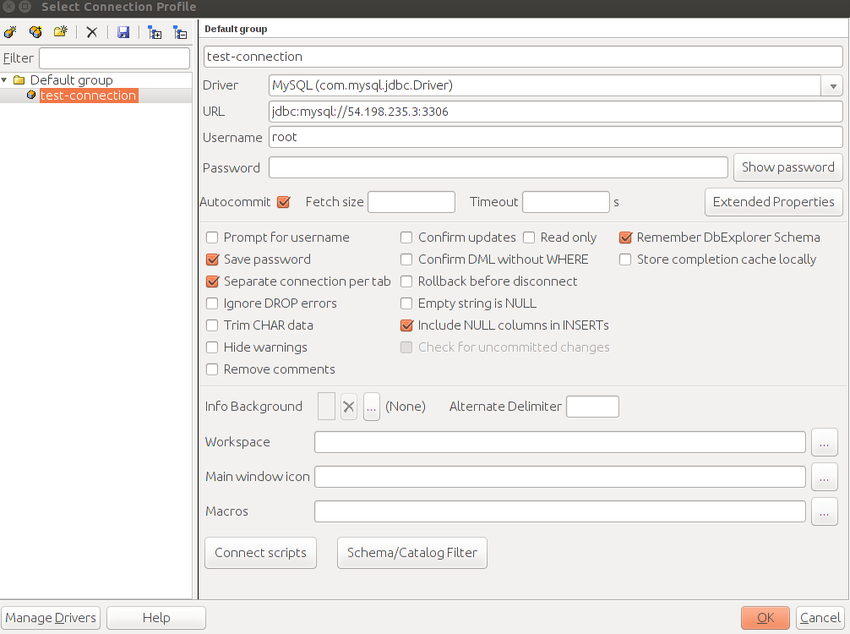
In the Select Connection Profile window, select or enter the following information:
-
A name for your connection, for example test-connection.
-
Driver: From the list, select MySQL (com.
mysql. jdbc. Driver). This Driver requires the MySQL Java connector. -
URL: Enter the connection string in the
jdbc:mysql://<hostname>:<port>format.Refer to SingleStore Helios Endpoints to determine the endpoint (
host:port) of your deployment. -
Username: The SingleStore database username.
Enter admin. -
Password: The password for the SingleStore database user.
-
-
Complete the other fields as required.
-
Select OK.
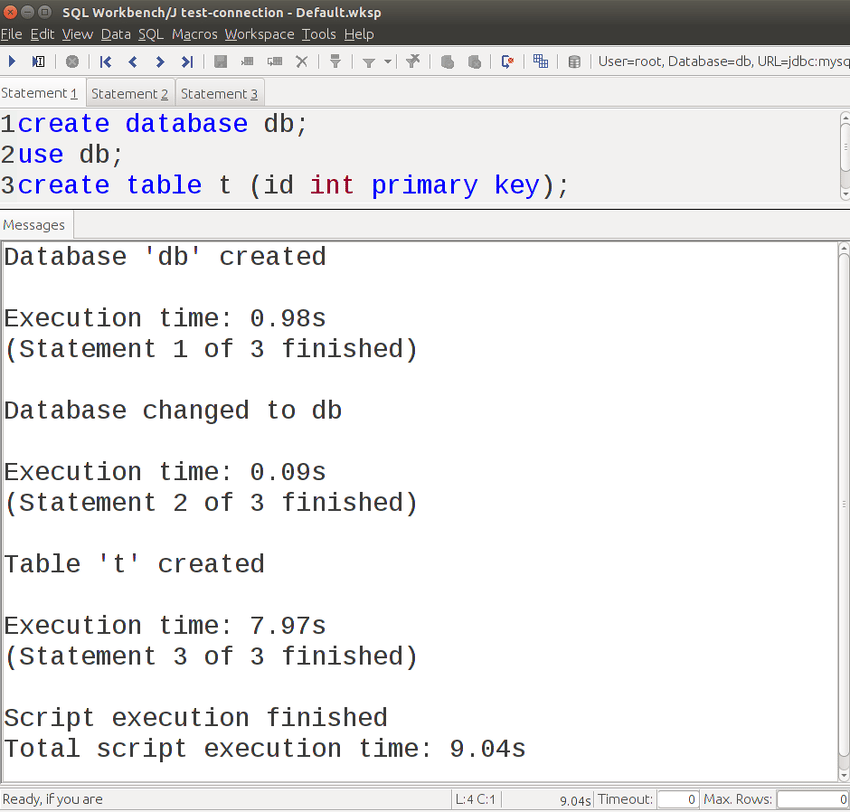
The SQL Workbench window opens. You can issue queries in the top pane and view results in the bottom pane. 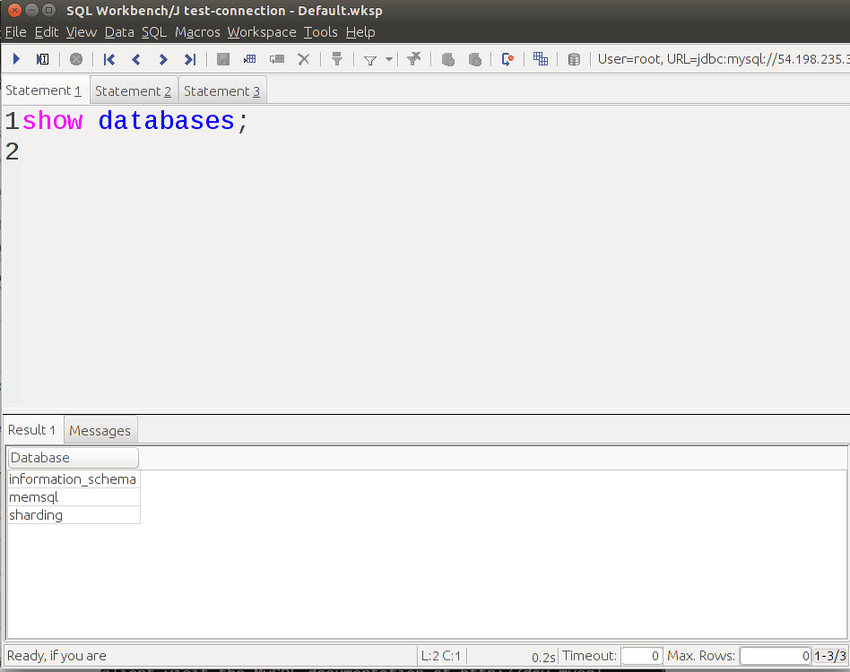
Last modified: